
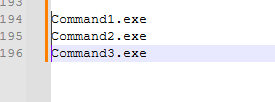
Let’s say you have three lines and you multi-select the beginning by holding ALT, then dragging down, so you end up with the cursor blinking across all three lines at once:
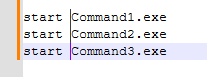
You then add some something at the beginning of all three lines by typing across multiple lines at once:
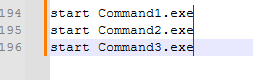
But now you want to move to the end of the line, this is easy, just press on the keyboard:
Hold ALT+SHIFT, then release, then tap END. The cursor will jump to the end of the line, and you can then editing all of these at once too.
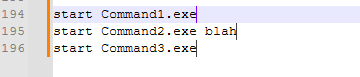
It even works when the lines are different lengths for example:
Hopefully that is a useful time saver.